The Spawn
New Game Developer
Start from zero and ship your first game.
The journey
60 lessons in 11 modules — each one ends in something real.
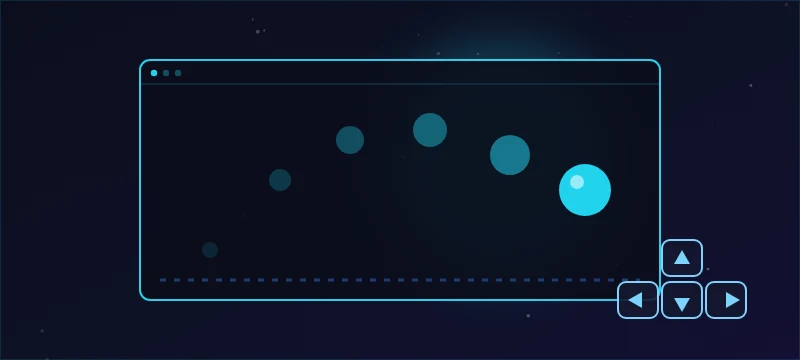
Your First Moving Game
Made for people who have never written code. In small guided steps you'll change your first line, draw a scene, make a square move, and steer it — with hints and answers available at every step.
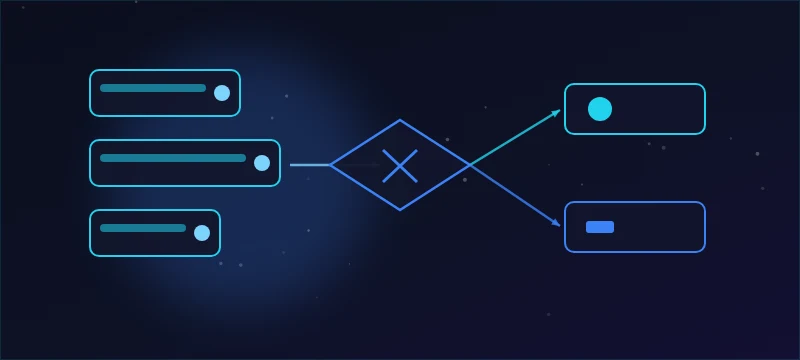
JavaScript Foundations for Games
The four ideas behind every game you'll ever write — variables, text, functions and objects — each taught the same guided way as your first module: one small step, one visible result.
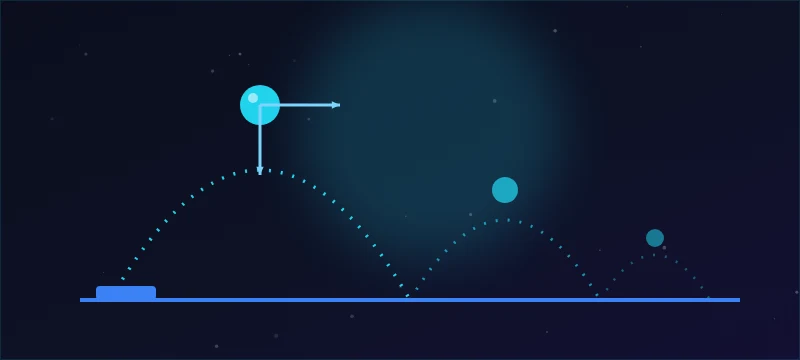
Arcade Physics in JavaScript
Give your game weight. In the same guided steps as your first modules, you'll teach a ball to move on its own, fall, bounce and jump — the physics inside every platformer ever made.
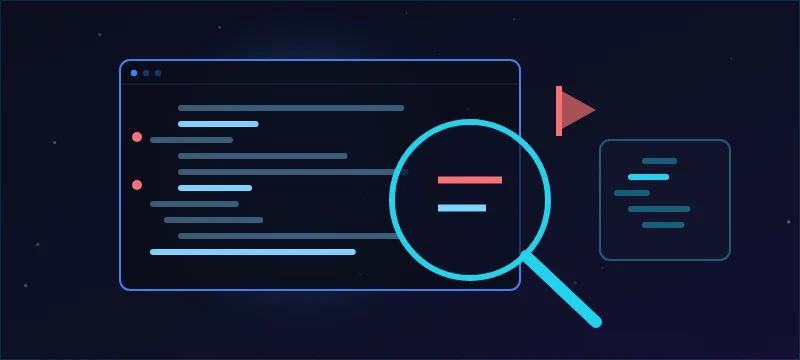
Debugging & Problem Solving
Broken code is normal code. In the same guided steps as your first modules, you'll learn to read error messages, look inside a running game with console.log, and fix real bugs yourself — including typing the fixes.
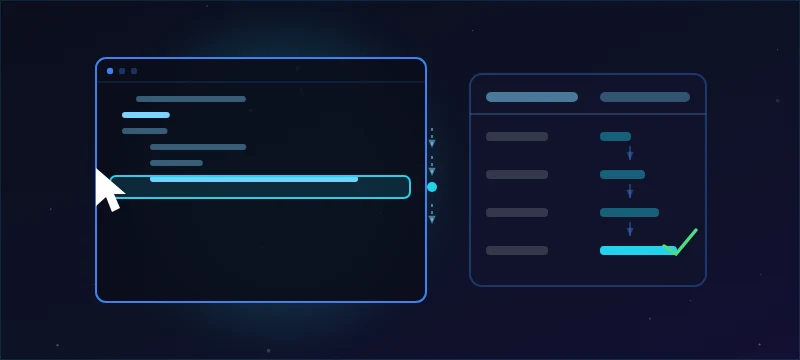
Reading Real Code
Reading comes before fixing. In guided steps you'll trace a program before running it, find the one line that owns a behavior you can see on screen, and learn your way around a file you did not write — so unfamiliar code stops looking like a wall of text.
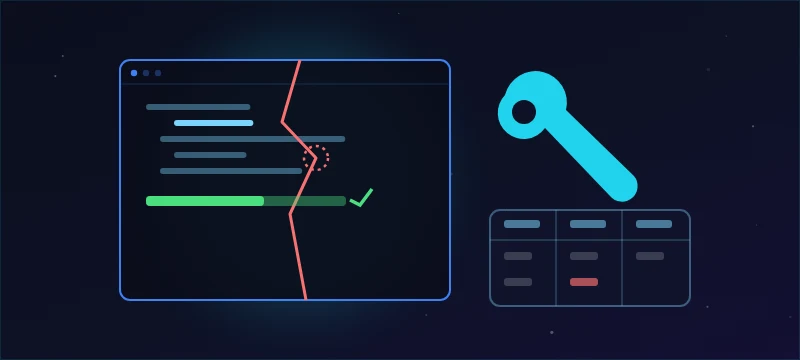
Debugging Real Code
You can already read a program. Now you find what's wrong with one. Diagnose crashes from their error messages, hunt silent logic bugs that produce no error at all, and prove your fix worked — working in a normal editor, on files you did not write.
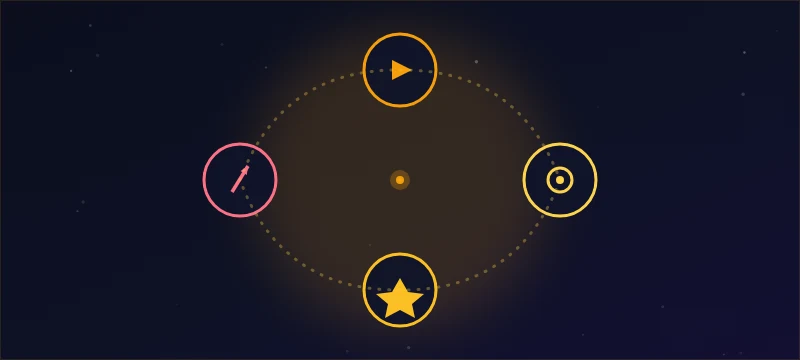
Game Design Fundamentals
Why is a game fun — and how do you fix one that isn't? Core loops, difficulty and flow, feedback psychology, economies and the playtesting habits that turn ideas into designs.
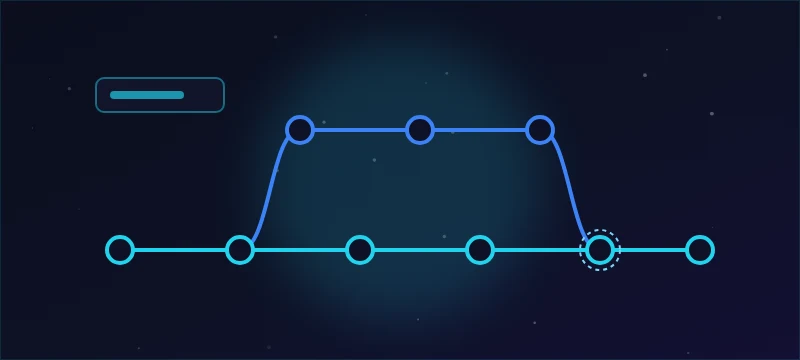
Git for Game Developers
Fearless iteration: commits as save points, branches for experiments, GitHub as your backup and portfolio, and the LFS + gitignore setup every game repo needs.
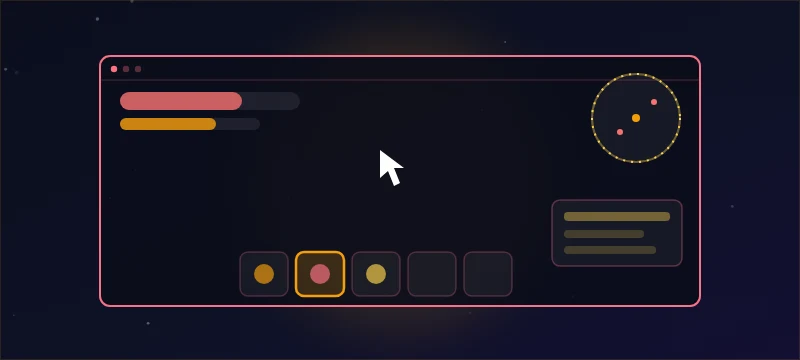
Game UI & UX
Interfaces players never have to think about: HUDs that read mid-combat, menus that flow, feedback that lands, accessibility that ships — and a hands-on canvas HUD build.
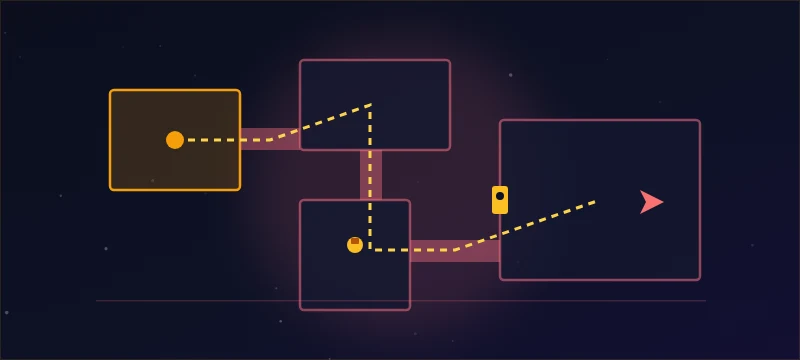
Level Design Basics
Spaces that speak: pacing curves, guiding players without arrows, encounter design and the blockout-first discipline that separates levels that teach from levels that confuse.
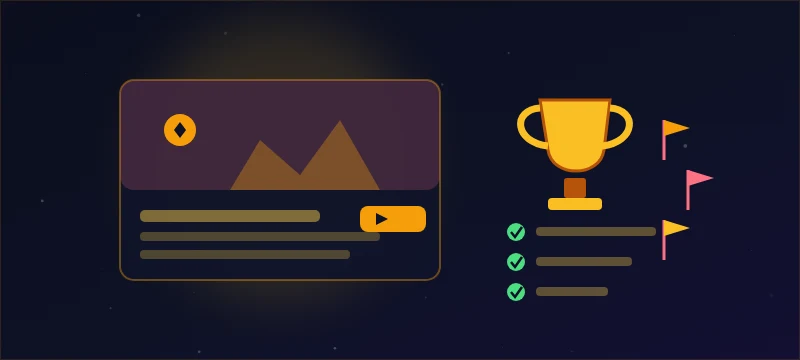
Ship It: Capstone & Portfolio Studio
Turn everything you've learned into a finished, playtested game and a portfolio page that proves it. Scope a project you can actually complete, build it through three milestones, polish it with intent, run real playtests, and present it like a professional.
What you'll walk away with
- A square you set in motion and steered — your first working game code.
- A tiny coin-collector scoreboard built from variables, functions and objects you wrote yourself.
- A tight 2D platformer prototype with responsive controls.
- A repeatable process that turns "it's broken" into "fixed in 20 minutes".
- The confidence to open code you didn't write, understand enough of it, and change it safely.
- You can take a broken game file you've never seen, find the defect, fix it, and show it stays fixed.
- A designer's toolkit: you can articulate why a game is fun and fix one that isn't.
- Every project versioned, backed up, and visible in your portfolio.
- Interfaces players never have to think about: readable HUDs, flowing menus, honest feedback and accessible options.
- Levels that teach, pace and guide without a single tutorial popup.
- A finished, playtested game with a public portfolio page and playable build.
Not your path? Explore another zone: